
Payments Hardware API
Connect your existing point-of-sale solutions with Helcim to process in-person debit and credit card payments using the Payment Hardware API.
Welcome to the Payment Hardware API documentation. Helcim provides these tools to help you integrate your software directly with compatible Helcim devices. This API allows you to collect debit and credit card payments in person, taking advantage of affordable interchange plus pricing, while keeping your existing point-of-sale software.
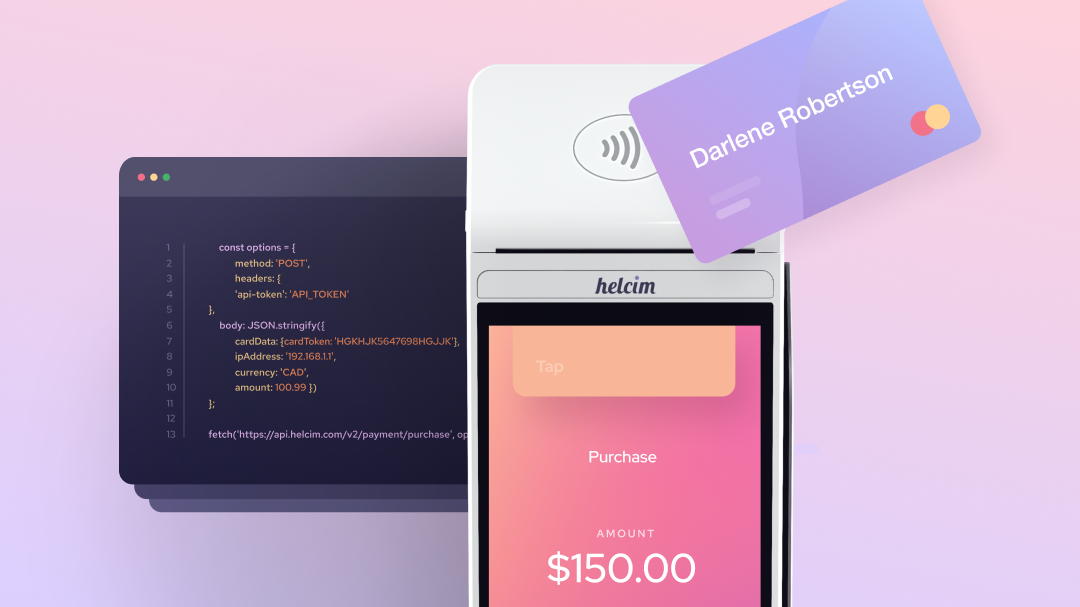
How the API works
The Payment Hardware API acts as a bridge between your existing point-of-sale system and your compatible Helcim payment hardware. When you want to take an in-person payment, your software sends a request to the Helcim system. We then communicate with the device on your to prompt the customer to process their payment.
This integration is perfect for connecting existing point-of-sale systems or payment software to the Helcim system to process in-person payments.
Key benefits of integration
We help thousands of merchants to achieve their goals by making checkout fast and reliable. Integrating with our hardware offers several advantages:
- Eliminate manual entry: You no longer need to type the payment amount into the device, reducing human error and the number of systems your team needs to navigate.
- Real-time syncing: Using card transaction or terminal cancel webhooks, your software will know the second a payment is processed or cancelled.
- Reduce chargebacks: Using physical cards in person helps prevent chargebacks, which is when a cardholder disputes the validity of a charge, protecting your bottom line.
- Secure data: Sensitive card information stays on the device, keeping it out of your server and simplifying your security requirements.
Hardware compatibility
The Payment Hardware API supports integration to the following compatible Helcim devices.
- Smart Terminal GEN1
- Smart Terminal GEN2
- Card Reader GEN3
Getting started with your integration
To begin, you will need an active Helcim account and one of our compatible Helcim devices.
- Reach out to our Tier 2 Support team on [email protected] to request a developer test account
- Generate your API access configuration
- Order your compatible device
- Integrate and test your system using our Device API References
If you are new to payment integrations or Helcim, we recommend reading the guides under the Getting Started section
Updated 9 months ago